Your website is probably doing a lot of heavy lifting to win local searches, but the moment someone decides to visit, a new battle starts. Where do I park? Which entrance is correct? Is it wheelchair accessible? If the answers are fuzzy, walk-ins stall out. Dedicated parking and directions pages and ADA accessibility pages remove that friction. Done right, they also boost local SEO, lift engagement, and increase conversions from search to front door. Let’s turn your location info into a visit-driving machine with clear copy, smart visuals, and links people can use on the fly.
Friction Kills Walk-Ins
Local customers will pick the business that makes arrival simple. A surprisingly large share of negative reviews and no-shows trace back to arrival anxiety. If your visitor has to hunt for parking rules, guess at the correct entrance, or wonder whether they can navigate a ramp with a stroller or wheelchair, they’re more likely to back out. Parking and directions pages and ADA accessibility pages are the antidote. They pre-answer the exact questions people ask in “near me” and “how to get to” searches, turn scanners into visitors, and show that you have thought about everyone’s experience, not just the sale.
Build Parking And Directions Pages
Create a dedicated page or section for each location labeled something like “Parking and Directions” so it maps directly to what people search. The hero of the page should be an embedded map plus a big, obvious “Get Directions” button that opens native navigation on mobile. Under that, write step-by-step directions from the nearest highway exit and two or three known landmarks. If your service area includes distinct neighborhoods, name them. We have seen big gains for businesses that mention landmarks and neighborhoods that people actually type into search, which aligns with guidance from our neighborhood landing pages framework. If street parking has time limits or meters, say so. If there’s a garage, note the entrance, height limits, and payment type. If you validate parking, put that near the top, not buried at the bottom.
Show The Way With Photos
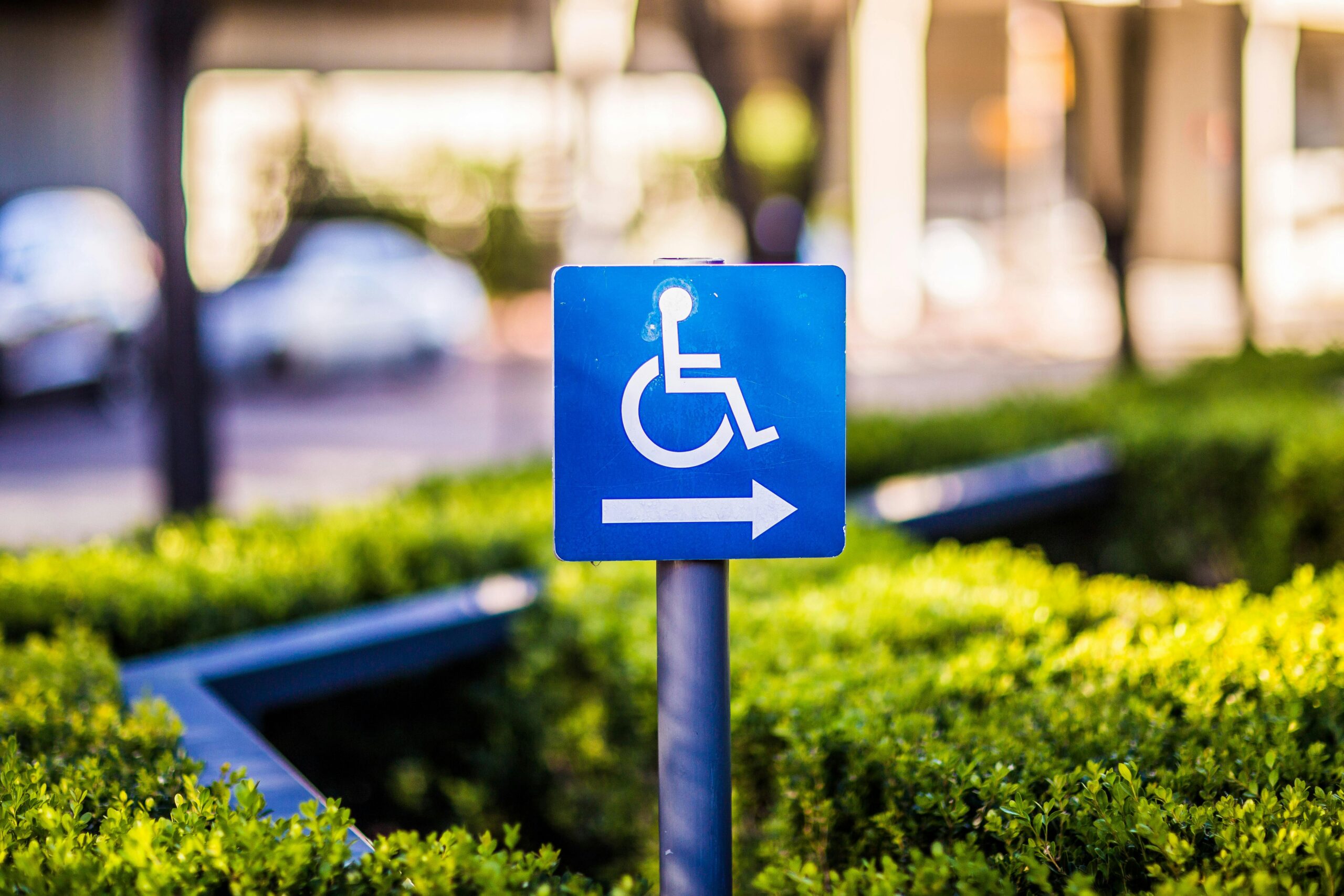
Words help, but photos seal the deal. Add clear exterior photos that show the parking lot, the street frontage, the nearest garage entrance, the route from the lot to your front door, and the actual doorway customers should use. If you have multiple entrances, label them in the captions. Include shots of any ramps, curb cuts, elevators, and signage. Optimize every image filename and alt text with location and intent keywords, for example “north-lot-entrance-123-main-street-alt-parking-route” plus a natural description in the alt text. These images build trust, improve your image search visibility, and help people with mobility needs assess access ahead of time.
Add ADA Accessibility Pages
An ADA accessibility page signals that your team cares about inclusion and that you have a plan. It should cover on-site accessibility features and link to your web accessibility statement. List the number and placement of accessible parking spaces, the route from those spaces to the entrance, door widths and thresholds, ramp slopes where relevant, elevator access, accessible restrooms, and any assistance available on arrival. If certain paths have seasonal changes, like snow or construction, include a note and an invite to call or text for help. This is not just about compliance. It reduces uncertainty for a wider audience and can turn hesitant searchers into loyal customers who feel welcomed from their first click.
What To Include In ADA Details
Think of your ADA accessibility pages as a helpful walkthrough. If you have a long driveway, show where a wheelchair-user can be dropped off and how staff can help. If you have seating, explain the accessible seating locations. If there are assistive listening systems, low service counters, or step-free routes, note them. If you rely on public transit, explain where elevators are and which entrances are barrier-free. For your website experience, confirm that your site follows WCAG 2.1 AA practices and invite feedback with a dedicated contact method. ADA.gov provides straightforward web guidance you can follow and reference, and linking to it boosts credibility.
| Feature | What To Show | Why It Helps |
|---|---|---|
| Accessible Parking | Number of spots, location, van-accessible spaces, route to entrance | Sets expectations and reduces arrival anxiety |
| Entrance & Path | Photos of ramp or step-free route, door width, automatic doors | Shows real-world access, not just a promise |
| Interior Access | Elevator location, aisle width, accessible seating or counters | Helps visitors plan the full experience |
| Restrooms | Accessible stalls, baby changing tables, door swing | Improves dwell time and comfort once on-site |
| Assistance | Phone or text number for on-arrival help, curbside option | Signals support and removes last-minute friction |
| Digital Access | WCAG level, alt text usage, keyboard navigation, contrast | Extends inclusivity to the web and builds trust |
Use Landmarks And Transit
People search with mental maps, not just street names. Add landmark-based directions like “From City Hall, head two blocks south on Market, then turn right on 4th.” Include nearby bus or train lines, station names, and typical walk times from each stop. If your route includes an elevator or a pedestrian bridge, name it. If you have a bike rack or a safe place for strollers, say so. These specifics attract a broader audience and earn backlinks from local roundups and community blogs. Detailed, practical guides have been a consistent winner in our locals guide playbook because they help locals feel like you truly understand the area.
Make Maps Do More
Basic map embeds are fine, but interactive touches win. Add a map pin for your primary entrance, not just your mailing address if they differ. If you share a building, annotate the unit number right in the map caption. Consider a secondary map that highlights the recommended lot or garage, plus the walking route from that lot to your front door. Include a single-click “Get Directions” link near every map and beneath each photo section that references another entrance or lot. On mobile, put a directions button high on the page to catch thumb traffic. If your business serves multiple neighborhoods, use a simple graphic with callouts naming those areas and link each callout to a short, matching paragraph on the same page. Longer term, roll those into neighborhood landing pages for even stronger “near me” coverage.
Write For Searchers And Scanners
Your headings should match what searchers type. Phrases like “Free Parking,” “Validated Parking,” “Garage Parking,” “Street Parking,” “Accessible Parking,” “How To Find Us,” and “Transit Access” help you win the exact queries that pop up in the wild. Keep paragraphs short but informative, and resist burying key info. If you only offer validated parking after 5 p.m., put that detail right next to the parking label, not deep in a FAQ. Use plain language like “Use the north entrance next to the coffee shop” instead of “Use Entrance C.” Consistency between your Google Business Profile, your parking and directions pages, and your ADA accessibility pages matters. Confirm your attributes in Google Business Profile, including wheelchair accessible entrance, restroom, and parking lot where applicable. If your entrances or hours change seasonally, set a reminder to update everything at once so there are no conflicts across platforms.
Conversion Prompts That Nudge Visits
Every section of these pages should do a job. Add sticky or repeated calls to action: “Get Directions,” “Call For ADA Assistance,” “Text Us When You Arrive,” and “Plan Your Visit.” Put your address in copy and make it tap-to-copy on mobile. If parking policy is the top objection customers raise on calls, place a short note right under the hero: “Free 2-hour parking in the south lot – we validate.” If you host events, add a short notice about peak times and your best overflow options, then link to an event-specific parking note. Mini CTAs like “Coming by bus? Here’s the fastest route” help different visitors self-select without scrolling forever.
Simple Copy You Can Steal
Here are quick snippets you can adapt for your site copy:
Parking: “Use the public garage at 4th and Pine. Enter on Pine Street. We validate for up to 90 minutes. Van-accessible spaces are available on Level 1 near the elevator.”
Directions: “From I-5, take Exit 164A to James St. Turn left on James, continue three blocks, then right on 3rd Ave. We are next to City Hall. Look for the red door.”
Accessibility: “Accessible parking is available in the south lot next to our entrance. The route from the lot to our front door is step-free. Doors are 36 inches wide and open automatically. An accessible restroom is located just past reception. Call or text 555-0100 if you’d like assistance when you arrive.”
SEO Basics That Move The Needle
Make each location’s parking and directions pages unique. Use the neighborhood and landmark names people actually say, and include them in your title tag and H1. Keep your NAP data consistent across the site and profiles. Link your parking and directions pages and your ADA accessibility pages from the main location page so users and crawlers find them fast. Mark up your address, geo, and maps with schema where you can. LocalBusiness schema with hasMap, geo, openingHours, and sameAs is a smart start. If you publish a FAQ on these pages, add FAQPage schema so those Q and A pairs can qualify for search enhancements. For accessibility info on a webpage, consider using accessibilitySummary on the WebPage entity to provide a human-readable description of access features. Keep filenames and alt text clean and descriptive. Compress images, defer non-critical scripts, and ensure the map embed does not slow the page on mobile. Fast pages get read and tapped, slow ones get closed.
Design For Mobile Arrivals
Most parking searches happen from a phone near your address. Put your address, a tappable “Get Directions” button, and open hours in the first viewport. Use large, high-contrast buttons with enough spacing so thumbs do not mis-tap. Do not hide essential info in accordions that require extra taps. Keep forms short and keyboard-friendly. Make sure color contrast meets WCAG standards and that all interactive elements are reachable with a keyboard. These choices support visitors who use assistive tech and they also reduce friction for everyone.
Measure What Matters
Track how many visitors click your on-site “Get Directions” button and map pins. In GA4, set up events for direction_click, call_click, and text_click. Segment those events on the pages we are discussing to isolate their impact. If you use a scheduling tool or a check-in kiosk, track whether on-site conversions rise after publishing these pages. Watch bounce and scroll depth to see if visitors find what they need quickly. Update your photos and any transit or parking policy notes quarterly, or sooner if the city changes meter rules or a garage closes. Ask front desk staff what questions callers ask most and update the page to answer them high on the page.
Multi-Location Tips
If you operate multiple locations, each one needs its own parking and directions pages and ADA accessibility pages. Use location-specific photos, transit lines, and landmarks. Link between locations only when it helps a user pick the closest option. Avoid copying the same text across pages. If two locations share one garage, clarify which levels and entrances map to each site. Add a small “Other locations” module at the bottom so users can switch if they landed on the wrong spot. If you run location ads, point sitelinks directly to these helpful pages for higher quality clicks and faster arrivals.
Examples By Business Type
Restaurant: List peak hours for parking pressure, whether you validate after 5 p.m., and where delivery drivers should stage. Add a photo of the step-free route from curb to host stand and note where accessible seating is located. Link to an accessible menu PDF with readable text, not image-only scans.
Medical Clinic: Show the closest drop-off zone, the accessible parking spaces closest to the elevator, and how to reach check-in without stairs. If you offer a wheelchair on request or a staff escort, include a callout and a phone number to request help. Include wayfinding photos for multi-floor clinics.
Retail Boutique: Tell shoppers which side of the street typically has open meter spots and when street sweeping occurs. Add a photo of the entrance at street level, plus stroller-friendly notes. If there is a buzzer, show it in a photo and explain how to use it.
Fitness Studio: Explain bike parking, showers, and accessible locker room layouts. If the studio opens before the garage attendant arrives, show the correct lane and ticket process. Add a quick note about high-traffic class times and suggested overflow options.
Content Structure That Works
Here is a simple order that consistently performs: address and “Get Directions” at the top, then a short “How To Find Us” section with landmark-based copy, then photos showing the approach and entrances, then parking options with pricing or validation, then transit options with walk times, then ADA access details and an assistance CTA. Finish with hours, click-to-call, and a small FAQ. If your city has special quirks like event-day closures, add a colored alert bar you can toggle on and off. This structure helps skimmers, supports SEO, and converts more local searches to actual visits.
FAQ
Do I need both parking and directions pages and ADA accessibility pages?
Yes. Many visitors just want the fastest route and parking rules, while others need to confirm access details. Splitting the content lets each audience find what they need quickly, yet you can link between them when details overlap.
What photos matter most for walk-ins?
Show the approach to your lot or garage, the correct entrance, the step-free route, and any signage that solves confusion. Label each image and write clear alt text, including your street name or neighborhood where natural.
Should I add transit directions even if most people drive?
Yes. Transit sections are quick to write and attract a wider audience, including students, tourists, and people who prefer not to drive. They also win long-tail searches for station names and lines.
How do I make “Get Directions” work better on mobile?
Place the button high on the page, link directly to a map app, and repeat it below each major section. Test it on iOS and Android and confirm it opens the native app and uses the correct entrance location.
What accessibility details should I publish?
Include accessible parking count and placement, entrance and door details, ramps, elevators, accessible restroom info, step-free routes, and how to request assistance. Add your web accessibility statement and make feedback easy.
Next Steps
Audit your current location pages. If your parking rules, entrance photos, or ADA info are missing or buried, prioritize a refresh. Draft concise landmark directions, add near-real-time photos, embed a map with a prominent “Get Directions” link, and write a clear ADA accessibility page. Update your Google Business Profile attributes to match what you publish. Then track direction clicks and arrivals. When you make it easy to get in the door, more people will actually walk through it.