Last updated: October 20, 2026
You want to show up in the Map Pack, but your listings are telling different stories. Your Google Business Profile has one phone number, Yelp has an old one, and Apple Maps still shows the address you moved out of years ago. Search engines notice when the details don’t line up, and so do customers. When someone calls a disconnected number or drives to the wrong address, you usually don’t get a second chance.
This guide walks through how to settle on one correct version of your business name, address, and phone number (NAP), find and fix the listings that don’t match, remove duplicates, and keep everything accurate with a simple routine.
What local citations actually do
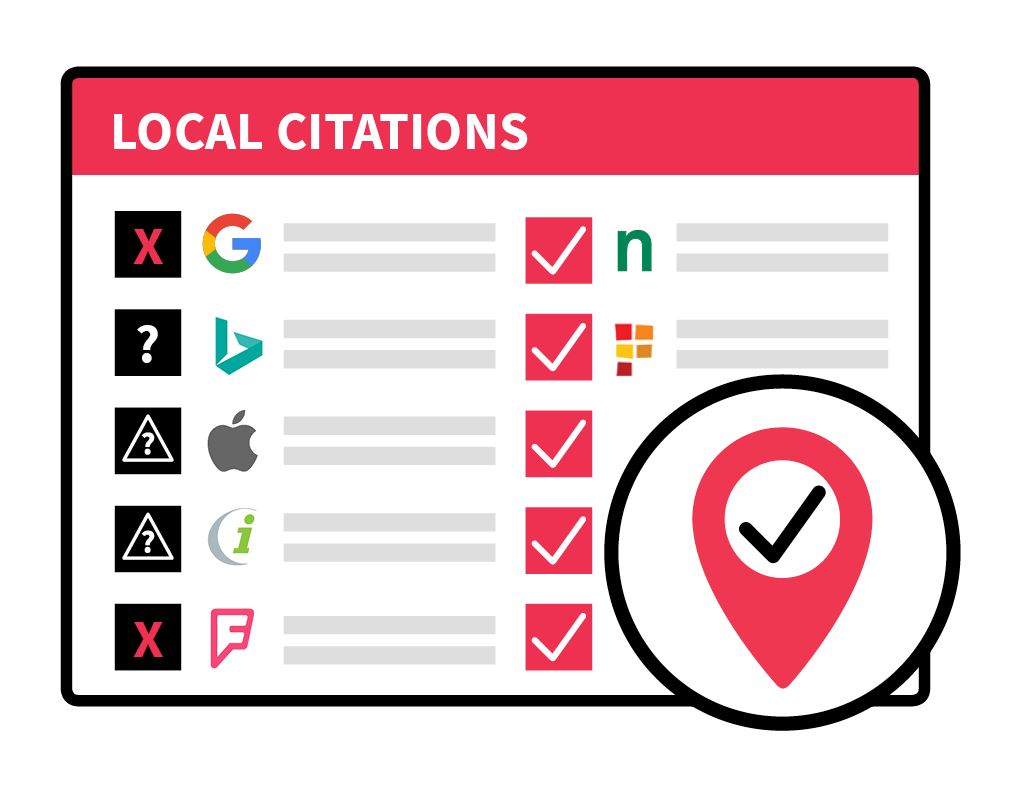
A local citation is any online mention of your business name, address, and phone number. They show up on Google Business Profile, Apple Maps, Bing Places, Yelp, and Facebook, on industry directories, and on unstructured sources like local news stories or your chamber of commerce’s member page.
Citations do two jobs. They confirm your basic facts to search engines, and they put those facts in front of customers wherever they’re searching. When citations conflict, both jobs break down.
Google says local rankings are based on relevance, distance, and prominence. A complete, accurate Business Profile helps relevance. Your address determines distance. Links, reviews, and mentions across the web feed prominence. Inconsistent information muddies all three.
The customer side matters just as much. Search Engine Land reported that 63% of consumers are less likely to use a business with incorrect listings. That’s lost business you can fix in a few weeks.
Think of citations as your ID check. They won’t win the Map Pack on their own, but until they’re consistent, the things that do move rankings (your Business Profile, website content, reviews, and local links) can’t do their full job.
The four-step audit process
Step 1. Create your canonical NAP
Decide on one business name, one address format, one primary local phone number, and one website URL. Save it in a shared document and treat it as the only correct version.
Example canonical NAP
Name: Example Heating & Air
Address: 1234 Main St, Ste 200, Austin, TX 78701
Phone: (512) 555-0123
Website: https://exampleheatingandair.com
For address formatting, USPS Publication 28 is a good reference for standard abbreviations like St, Ave, and Ste. Don’t overthink it, though. Google understands that “St” and “Street” mean the same thing. What matters is choosing one format, matching what’s on your Google Business Profile, and using it everywhere.
Next, pull a list of your current listings. Two tools make this much faster. BrightLocal‘s Citation Tracker scans major directories and flags inconsistencies and duplicates, and Whitespark‘s Local Citation Finder is great for finding sites where competitors are listed and you aren’t. Pick one and export the results.
Then track every listing in a simple spreadsheet like this one.
| Listing | Status | Login owner | What changed | Date fixed |
|---|---|---|---|---|
| Google Business Profile | Correct | Office manager | No change needed | Oct 1 |
| Yelp | Wrong phone | Owner | Updated to main number | Oct 2 |
| Apple Maps | Old address | Not claimed | Claimed, address updated | Oct 3 |
| Bing Places | Duplicate | Office manager | Duplicate closed | Oct 3 |
Save screenshots before and after each fix. They’re useful proof when a platform reverts your changes.
Step 2. Fix the core directories first
Start with your Google Business Profile, then your website’s footer and contact page, followed by Apple Business Connect, Bing Places, Yelp and Facebook. These are the listings most customers see, and many other sites pull data from them.
Bing has a handy shortcut. Bing Places lets you import your listing directly from Google Business Profile, so once your Google profile is correct, Bing can be updated in a few clicks.
Once the core listings match your canonical NAP exactly, work through the rest of your list, starting with the most-used sites. Use the same suite format, phone number, and website URL every time. Fill in missing categories, hours, and links while you’re there, and note the date and what you changed.
How to remove duplicates on the major platforms
- Google Business Profile. Follow Google’s steps to resolve duplicate profiles. If you can’t access the duplicate, use “Suggest an edit” on Maps and report it as a duplicate.
- Yelp. Open the duplicate page, choose to edit the business info, and report it as a duplicate with a note pointing to your correct listing.
- Bing Places. Claim the duplicate and close it from your dashboard, or report it through Bing’s feedback option.
- Apple Business Connect. Claim the location, then remove or merge the extra record. If you can’t claim it, report an issue in Apple Maps.
Step 3. Build on quality directories only
Submitting to hundreds of low-quality directories leaves you with weak listings that nobody visits. Focus on sources people actually use and that other platforms pull data from.
Start with the big five, which are Google Business Profile, Apple Maps, Bing Places, Yelp, and Facebook. These usually show up first when people search your business name.
Then add industry and country-specific sites. Whitespark keeps lists of top citation sources by country, and BrightLocal publishes lists by industry for lawyers, dentists, home services, restaurants, and more.
Data aggregators still help. In the US, Data Axle, Neustar Localeze (now part of TransUnion), and Foursquare distribute business data to many apps and maps. Submitting to them speeds up corrections across smaller sites and reduces errors creeping back in later.
Fill out every new listing completely, with consistent NAP, accurate categories, service descriptions, hours, and photos. Don’t add keywords to your business name field. It’s against Google’s guidelines and can get your profile suspended.
Step 4. Anchor your website
Your website is where your citations point, so it needs to match too. Put your canonical NAP in the footer, repeat it on your contact page, and make sure your hours match your Business Profile and top directories.
Then add LocalBusiness structured data in JSON-LD. At minimum, include your name, URL, phone, full address, opening hours (using openingHoursSpecification), geo coordinates, and sameAs links to your main profiles. Every value should match your canonical NAP exactly. We cover a simple way to do this in our post on building a schema-smart footer.
Clean citations work best alongside service and city pages that match what people are actually searching. Our guide on choosing the best local keywords walks through how to map searches to the right pages.
Choose directories with intent
Not every directory deserves your time. Before adding a new one, ask five questions.
Does it fit your business type? A dental practice gets more value from Healthgrades or Zocdoc than from a general business directory. BrightLocal’s industry lists are a good place to find the right niche sites.
Does it carry authority or feed other platforms? Whitespark’s country lists show which sources are most used and which ones distribute data elsewhere. Prioritize those.
Can you control the listing? Choose sites where you can claim and verify your profile. Ownership keeps your details from reverting. Some sites require phone or postcard verification.
Will it send real traffic? Search your main service and city. If the directory shows up on page one, it’s worth being on. If not, it’s probably low priority.
Is it already covered by the aggregators? Aggregators help, but they don’t replace claiming your most important listings directly.
When in doubt, go with fewer, better listings and make them complete. Fresh photos, services, products, and attributes like parking or wheelchair access make a profile more useful and more likely to convert.
Ongoing maintenance
Citations aren’t a one-time project. Data drifts, aggregators pick up outdated sources, and Maps users suggest edits that look right but aren’t.
Every week, check your Google Business Profile. Google sometimes applies updates from third-party sources or user suggestions, so accept the correct ones and roll back the wrong ones. Confirm your hours (including holiday hours), services, and categories. Add new photos while you’re there.
Every month, run a fresh scan with your citation tool, fix any mismatches, and close new duplicates. Spot-check Apple Maps, Bing, Yelp, and Facebook by hand. It only takes a few minutes and catches small problems early.
Ongoing. Ask for reviews on a steady schedule and reply to each one. Experts in Whitespark’s Local Search Ranking Factors survey consistently rank review recency and volume as important local signals.
Keep a log. Record every change with a date and a short note. The log is proof when a platform reverts your data, and it makes hand-offs easy when someone new takes over.
What to avoid
- Keyword-stuffed business names. Use your real business name. Adding services or cities breaks Google’s guidelines and risks suspension.
- Multiple profiles for one location. Use one profile per real location. Service area businesses should follow Google’s address rules, so no virtual offices or coworking spaces with no signage just to show up in more areas.
- Scattered tracking numbers. If you use call tracking, set the tracking number as the primary phone on your Business Profile and list your main number as an additional phone. Keep every other citation on your main local number.
- Changing your format over time. Once you pick your canonical NAP, stick with it. Switching name versions or phone numbers between listings is what creates real confusion and duplicates.
Service area and multi-location businesses
Service area businesses can keep a home address private. On your Google Business Profile, hide the address if customers don’t visit the location during stated hours and set the service area instead. Don’t use a virtual office or an unstaffed coworking space to manufacture a location. On directories that don’t support hidden addresses, skip the listing instead of publishing a home address you don’t want public.
For multi-location brands, maintain one source-of-truth record for every location. Standardize business naming, suite formatting, phone ownership, holiday hours, and who can approve edits. Keep a change log so a correction at one location doesn’t create new inconsistencies across the rest of the network.
What the research says
Google states that complete, accurate Business Profile information helps your local results, as outlined in its local ranking guidance.
BrightLocal’s research has found that top-ranking local businesses tend to have more citations than lower-ranking ones. That’s a correlation, not proof that citations caused the rankings, so treat it as a general direction rather than a target number.
Whitespark’s ranking factors survey treats citations as a foundation, alongside your Business Profile, on-page content, links, and reviews. They all need to work together.
Quick wins you can do today
- Fill out every field on your Google Business Profile, with accurate categories and a plain-language description of your main service and city.
- Write down your canonical NAP and share it with everyone who updates listings.
- Import your Google profile into Bing Places.
- Fix Apple Maps, Yelp, and Facebook. Add at least three current photos to each.
- Match the NAP and hours in your website footer and contact page.
What success looks like
When you search your business name, page one shows the same details everywhere. Maps shows your correct hours and phone number, and the website link goes to the right page. You get fewer wrong-number calls and fewer customers asking if you’ve moved.
In the Map Pack, your rankings for core services hold steady. Your profile has current photos and recent reviews, and each monthly citation scan turns up fewer new errors.
The bigger picture for local growth
Citations are the foundation. Your Business Profile, website content, local links, and reviews are what build on it and win rankings.
Once your audit is done, shift your focus to building authority in your city. Sponsor local events, pitch helpful stories to local media, and go after local awards that earn links.
Pair that with strong pages on your site, including a page for each service, city pages for your priority markets with real local detail, and FAQs that answer what customers actually ask.
FAQ
Does “St” vs “Street” really matter?
Not much. Google recognizes common abbreviations as the same thing. Pick one format, match your Google Business Profile, and use it consistently. Wrong phone numbers, old addresses, and duplicate listings cause far more problems than abbreviations.
How many citations do I need?
There’s no magic number. Accurate listings on the major platforms, plus the top directories for your industry and city, matter far more than a high count of low-quality ones.
Should I use a call tracking number on my listings?
You can on your Google Business Profile, as long as it’s set as the primary number with your main local number listed as an additional phone. Keep your other citations on your main number so your NAP stays consistent.
How long does it take for fixes to show up?
Changes on major platforms like Google and Bing often appear within days. Updates through aggregators and smaller directories can take several weeks to spread.
Want help with your citations?
You don’t need 500 citations. You need the right ones, with the same correct details on every one. If you’d rather hand off the audit and monthly upkeep, our local SEO team can run it for you. If you prefer to handle it in-house, this guide covers everything you need.